
How to print multicolour wall art without an AMS
One colour per plate: how a big multicolour wall panel prints on a single-spool printer, with no filament changes and no purge waste.
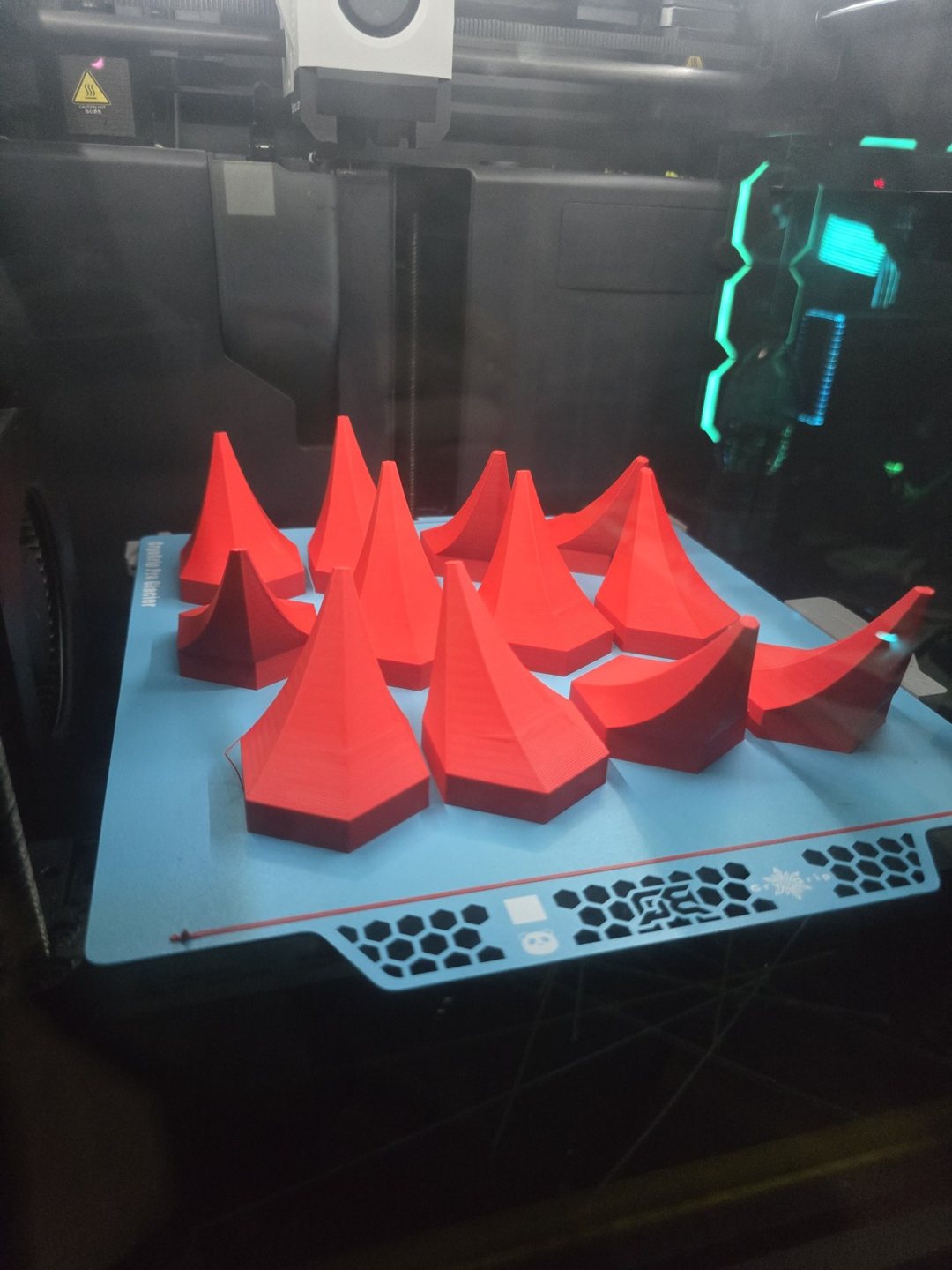
A wall panel in Parete is not one big print. It is dozens or hundreds of separate pieces, and every piece is a single colour. So the print kit puts all the pieces of one colour together, plate after plate.
That means no filament changes inside a plate, no purge tower and no purge waste. You load one spool, print every plate of that colour, then move to the next spool. The kit is made and tested for Bambu Lab printers in Bambu Studio.
What is in the kit
- One 3MF file per colour, with the plates already laid out for your printer.
- The frame that holds the pieces on the wall, as its own 3MF.
- A 1:1 map, so every numbered piece has a place.
- The project file, to open the panel again in Parete.
One click to Bambu Studio
From the kit window the files open in Bambu Studio with printer, filament and settings already chosen. You check the plates and press print.
How long it takes
A big panel is a long project, printed one plate at a time. Parete shows the number of pieces, the plates and the weight before you export, so you can plan the spools and the evenings.