How to 3D print a large wall panel on a small printer
A panel up to 2 × 2 m from a printer with an 18 cm plate: separate pieces, a frame in tiles, and plates laid out for your Bambu Lab printer.
A wall panel from Parete is never printed in one piece. Parete Full makes panels from 8 cm up to 2 × 2 m, the free trial up to 1 × 1 m, and whatever the size the panel is made of separate pieces, one for each cell of its grid. The print kit lays them out on the plates of your printer.
Choose your printer
In the kit window you pick one of nine Bambu Lab printers: A1 mini, A1, P1P, P1S, P2S, X1 Carbon, X1E, H2S and H2D. Parete lays the pieces out for that plate, from 180 × 180 mm on the A1 mini to the larger plates of the H2S and H2D, and keeps them out of the zones the printer excludes. Pieces sit 2 mm apart, so each plate holds as many as it can.
The frame comes in tiles
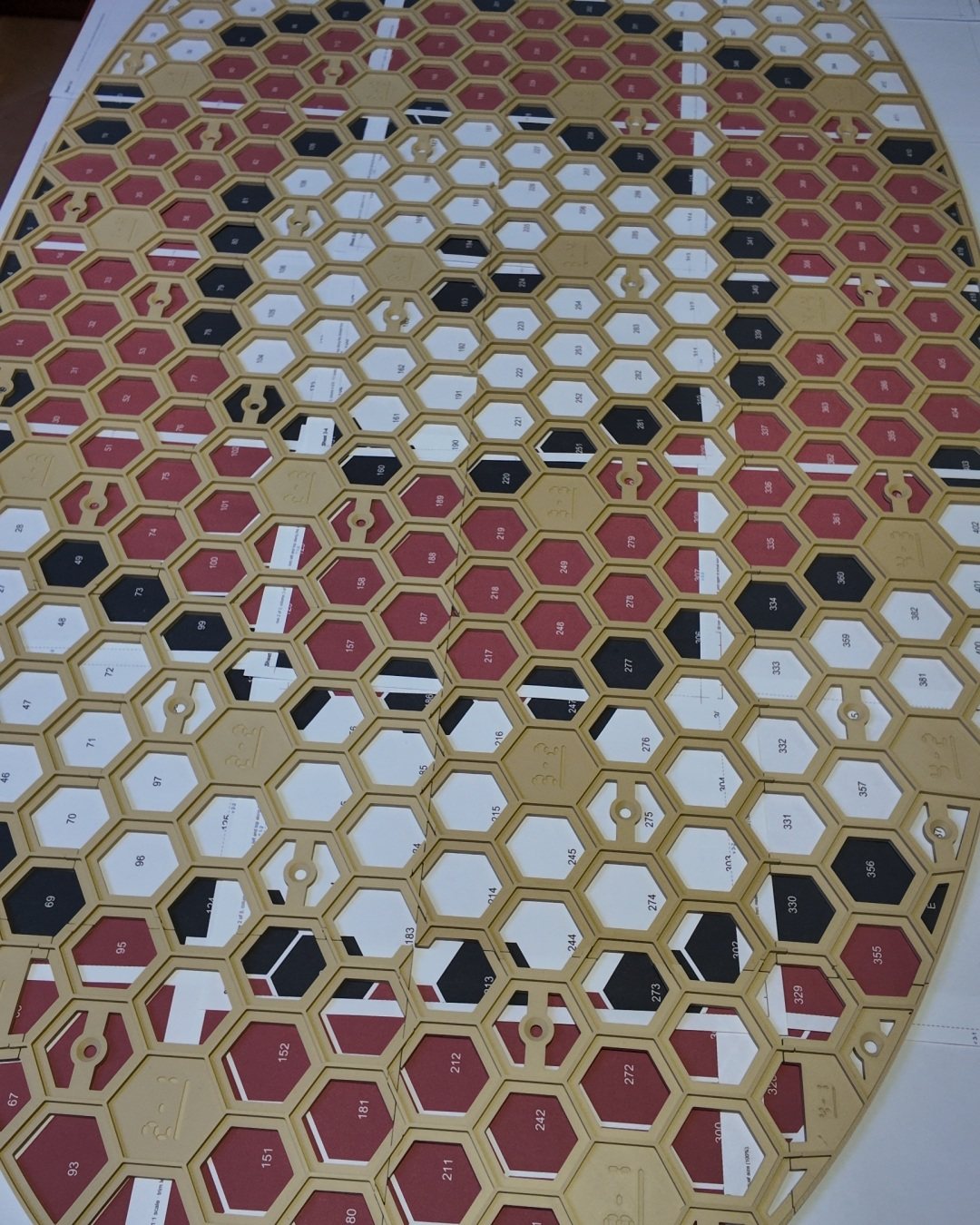
The frame that hangs the panel is split into identical tiles that fit the same plate, one tile per plate, and the tiles snap into each other. A tile where no piece sits is not exported.
Never more than 36 plates in a file
Parete never puts more than 36 plates in one file. When a colour or the frame needs more, it comes out as numbered files, each filled up to 36 plates, and the print sheet tells you which file every plate is in.
Two examples
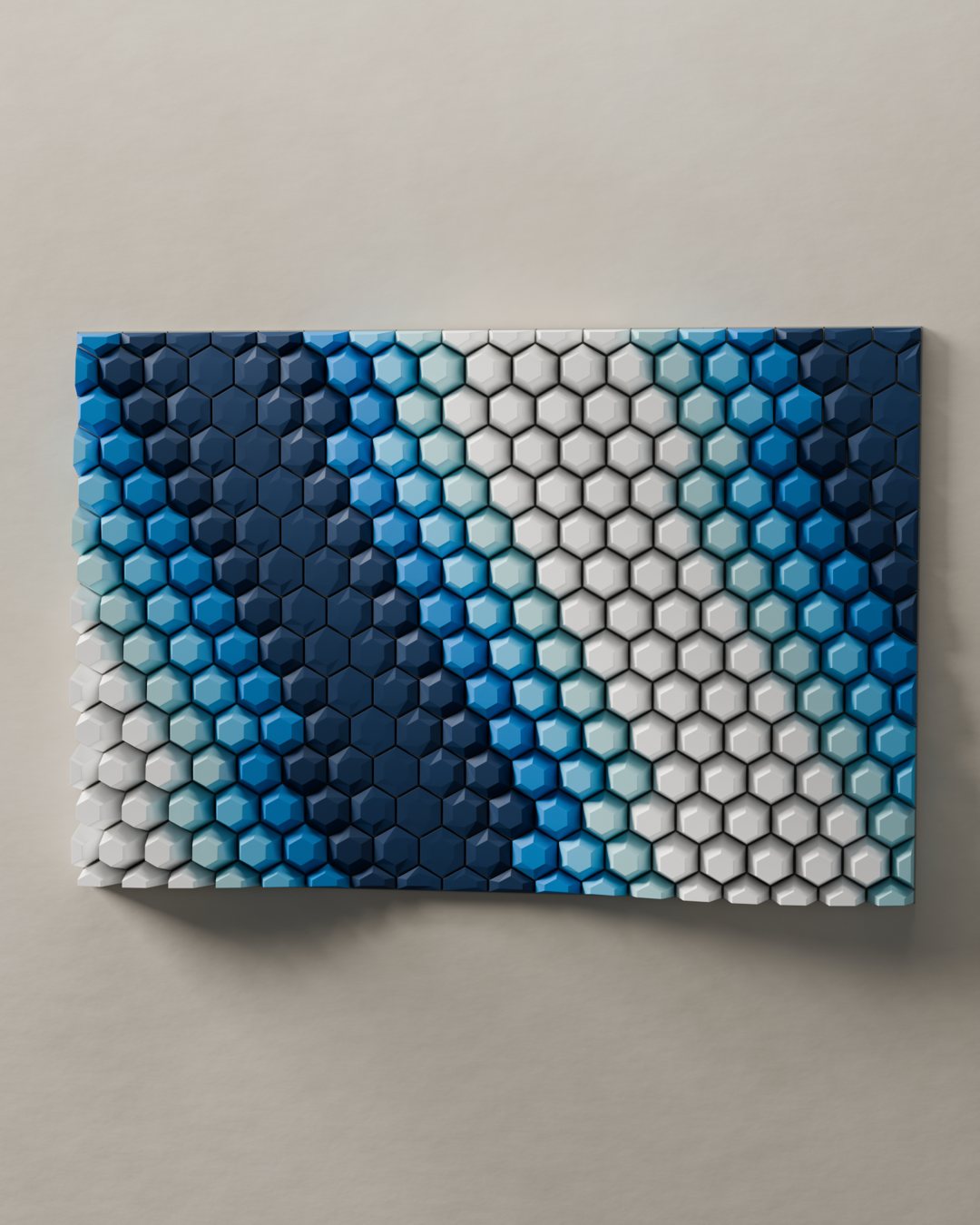
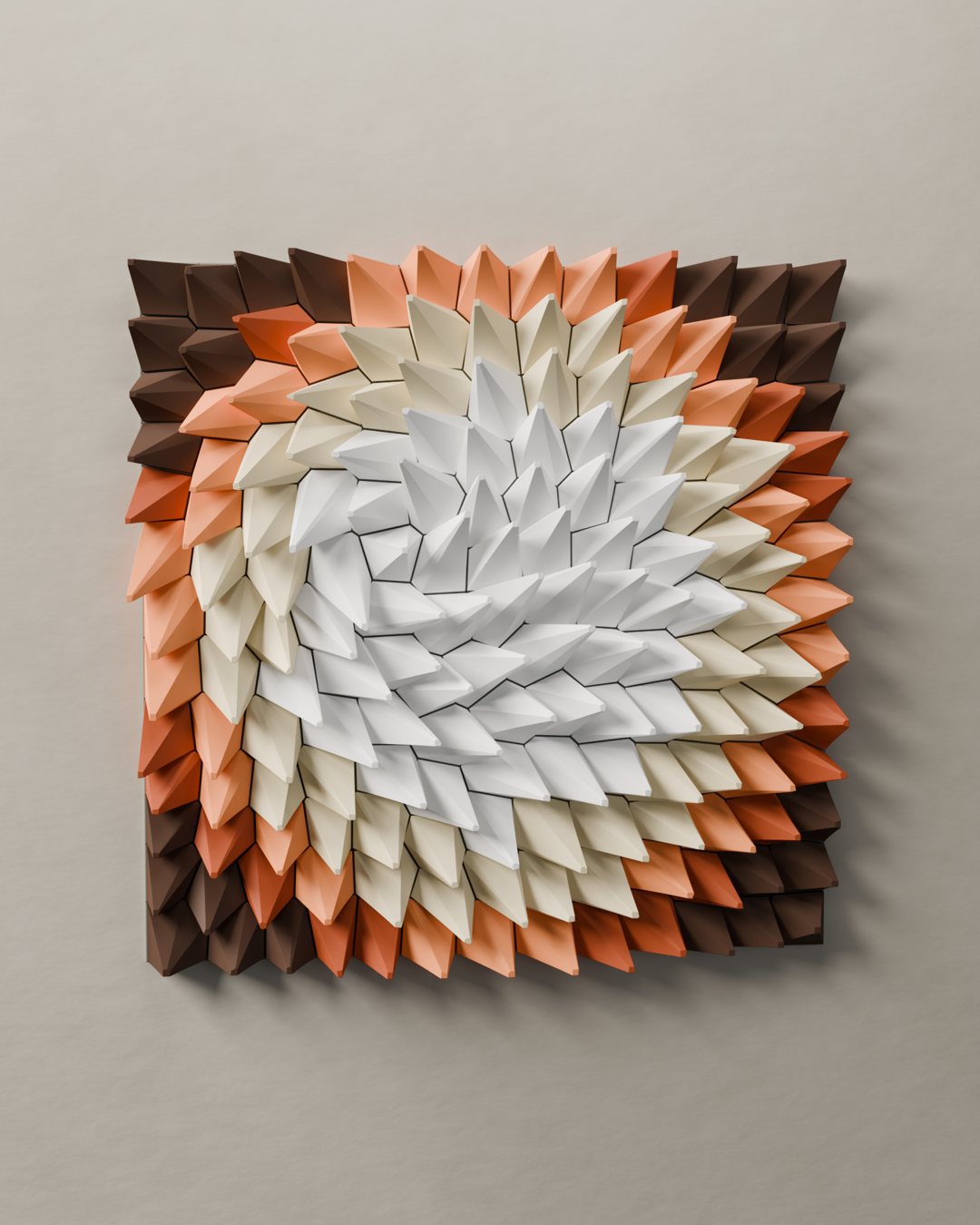
On a Bambu Lab P1S, Glacier, 90 × 60 cm and 277 pieces, prints on 14 plates; Ember, 80 × 80 cm and 169 pieces, on 22. Our own oval, 150 × 75 cm and 421 pieces, hangs on a frame of 28 tiles.